
How to Start Using AI Without Coding Skills
NWA AI Team
Editor

How to Start Using AI Without Coding Skills
AI tools are now accessible to everyone - no coding required. Whether you're a small business owner, marketer, or freelancer, you can use no-code platforms to automate tasks, create content, and analyze data. These tools rely on drag-and-drop interfaces and templates, making them simple and fast to use. Here's what you need to know to get started:
- What is No-Code AI? AI platforms that require no programming knowledge. Use visual tools to perform tasks like data analysis, content creation, and customer service automation.
- Benefits: Save time, reduce costs, and improve productivity without hiring developers.
- Popular Tools:
- Costs: Most tools offer free tiers; paid plans range from $10–$50 per month for basic features.
- Getting Started: Define your goals, choose a tool, and experiment with its features. No advanced skills are needed - just curiosity and basic digital know-how.
No-code AI tools empower you to work smarter, not harder. Start small, refine your approach, and see how these platforms can transform your workflow.
What Is No-Code AI and Why It Matters
No-Code AI Explained
No-code AI refers to artificial intelligence platforms that let you build and use AI applications without writing a single line of code. Instead of grappling with programming languages, you interact with these tools through simple, visual interfaces.
Here’s how it works: instead of typing out complex commands, you can perform actions like dragging and dropping elements. The heavy lifting - processing data and running algorithms - happens behind the scenes. These platforms rely on advanced machine learning models but present them in a way that’s accessible to anyone.
Many no-code AI platforms come with pre-designed templates and workflows for common tasks. For example, if you want to analyze customer feedback, there’s likely a template ready to go. Need help creating social media content? There’s another template for that. These tools are designed to be customizable, allowing you to tweak outputs to meet your specific goals - all without needing to touch code.
This approach breaks down the technical barriers that have traditionally kept AI out of reach for many. Instead of spending months learning programming or debugging code, you can dive right in and start using AI tools within minutes. This simplicity not only makes AI more accessible but also delivers immediate results.
Main Benefits of No-Code AI
One standout benefit of no-code AI is speed. Traditional AI projects often take months to develop, but with no-code tools, you can test ideas, get results, and make adjustments in a fraction of the time.
Another advantage is cost savings. Hiring skilled AI developers or data scientists can be expensive. No-code AI platforms provide a more affordable option, making advanced technology accessible to individuals and smaller businesses that might not have the budget for a dedicated team.
These platforms also offer flexibility. Unlike rigid systems, no-code tools let you adjust workflows, fine-tune parameters, and combine different AI features to create solutions tailored to your needs. As your business grows or changes, your AI tools can easily evolve with you.
Perhaps most importantly, no-code AI levels the playing field. It empowers people from all backgrounds to innovate. A marketing manager can use it to analyze customer sentiment. A small business owner can automate responses to customer inquiries. A content creator can generate personalized recommendations. All of this can be done without needing a technical team or a hefty budget.
How No-Code AI Helps Businesses
Businesses are already putting no-code AI to work in practical ways, and the results are impressive. In content creation, for example, companies use these tools to quickly generate blog posts, social media updates, and marketing copy, saving time and effort.
For data analysis, small businesses can dig into customer behavior, sales trends, and market patterns without hiring specialized analysts. These platforms generate insights, create visual reports, and highlight opportunities that might otherwise go unnoticed.
Retailers are using no-code AI for inventory management and demand forecasting. With easy-to-use interfaces, they can predict product performance and optimize ordering schedules to reduce waste and improve efficiency.
In recruitment and HR, no-code AI streamlines processes like resume screening, interview scheduling, and candidate matching. This not only speeds up hiring but can also help reduce bias in decision-making.
It’s important to note that no-code AI doesn’t aim to replace human judgment. Instead, it enhances it. By automating routine and time-consuming tasks, these tools free up your time to focus on strategy, creativity, and building relationships. That’s why businesses across industries are increasingly turning to no-code AI for smarter, faster solutions.
What You Need to Get Started with AI
Skills and Mindset You Need
You don’t need a computer science degree to dive into AI - just basic digital skills and a willingness to explore. If you’re comfortable navigating a smartphone, sending emails, or using tools like Microsoft Word or Google Docs, you already have the foundation to work with most no-code AI platforms.
The key skill here is problem-solving. Before jumping into any AI tool, define a clear goal. Maybe you want to automate tasks like scheduling, speed up content creation, or analyze customer feedback. Having a specific objective makes it easier to choose the right tool and measure its impact.
Curiosity and patience are your best allies. Unlike traditional software, AI tools often require some trial and error to figure out what works best for your needs. Don’t expect flawless results on your first attempt. Instead, think of it as an iterative process - refining your inputs based on the outputs you get.
It’s also helpful to have a basic understanding of data concepts. You don’t need to be a data scientist, but recognizing patterns, spotting questionable results, and distinguishing between accurate and inaccurate information can make a big difference. This awareness helps you get the most out of AI tools while catching potential errors early.
Once you’ve got the mindset, it’s time to make sure you have the right tools.
Basic Tools and Equipment
For most no-code AI platforms, a standard computer or laptop with a stable internet connection is all you need. Many tools run directly in your web browser, so there’s no need for high-end hardware or specialized equipment.
Since these platforms often store your work in the cloud, you won’t need much local storage. Still, having some space for downloading results, backing up projects, or saving source materials is always a good idea.
The good news? Many AI tools offer free versions or trial periods, so you can experiment without spending a dime. For example, ChatGPT has a free tier for basic functionality, and Canva provides free access to many of its AI-powered design features. This lets you test different platforms before deciding whether to invest in a paid plan.
If you do decide to upgrade, basic AI tools generally cost between $10 and $50 per month, depending on the features and usage. More advanced, business-grade platforms can range from $50 to $200 monthly. Planning your budget ahead of time ensures you pick tools that deliver the best value for your needs.
Once your equipment is set, it’s time to build a foundation in AI basics.
Learning AI Basics
A little knowledge about how AI works can go a long way in improving your results. Understanding terms like machine learning, natural language processing, and training data helps you choose the right tools and use them more effectively.
Knowing how AI processes information is especially useful. AI systems rely on patterns in data, meaning the quality and detail of your inputs directly affect the outputs. For instance, if you’re using AI to create content, detailed and specific prompts will produce far better results than vague instructions.
It’s equally important to understand AI’s limitations. AI tools are great at handling certain tasks but have their weaknesses. They can generate content quickly but might not fully grasp context or nuance. They can analyze data but may overlook subtle human insights. Recognizing these boundaries helps you use AI as a valuable assistant rather than expecting it to replace human judgment entirely.
For a quick and practical way to learn, check out NWA AI’s AI Literacy training. It’s designed for non-technical users, breaking down essential concepts without overwhelming you with technical jargon. Programs like this can save you time and frustration, helping you avoid common mistakes and get better results faster.
Beginner's Guide To Building AI Agents (No-Code)
Best No-Code AI Tools for Beginners
Here’s a look at some of the easiest no-code AI tools you can start using right away. These platforms are built with simplicity in mind, offering user-friendly interfaces and quick results for those new to AI.
NWA AI: Training and Local Support
NWA AI offers a fantastic starting point for anyone looking to dive into AI. Their training programs are designed to teach you how to use AI tools effectively, even if you have no technical background.
Their AI Literacy program focuses on the basics, helping you understand how AI works and how to choose the right tools for different needs. For a more hands-on approach, the AI Leverage program lets you practice using AI tools to create workflows that can improve efficiency. If you’re part of an organization, the AI Adoption program is tailored to help teams integrate AI into their operations, overcome resistance, and measure success.
One thing that sets NWA AI apart is its local support. Instead of relying solely on online tutorials, you get access to mentors and collaborative learning opportunities, making it easier to understand and apply what you’ve learned. Once you’ve built a solid foundation, you’ll be ready to explore AI tools tailored to specific tasks.
ChatGPT: Writing and Communication
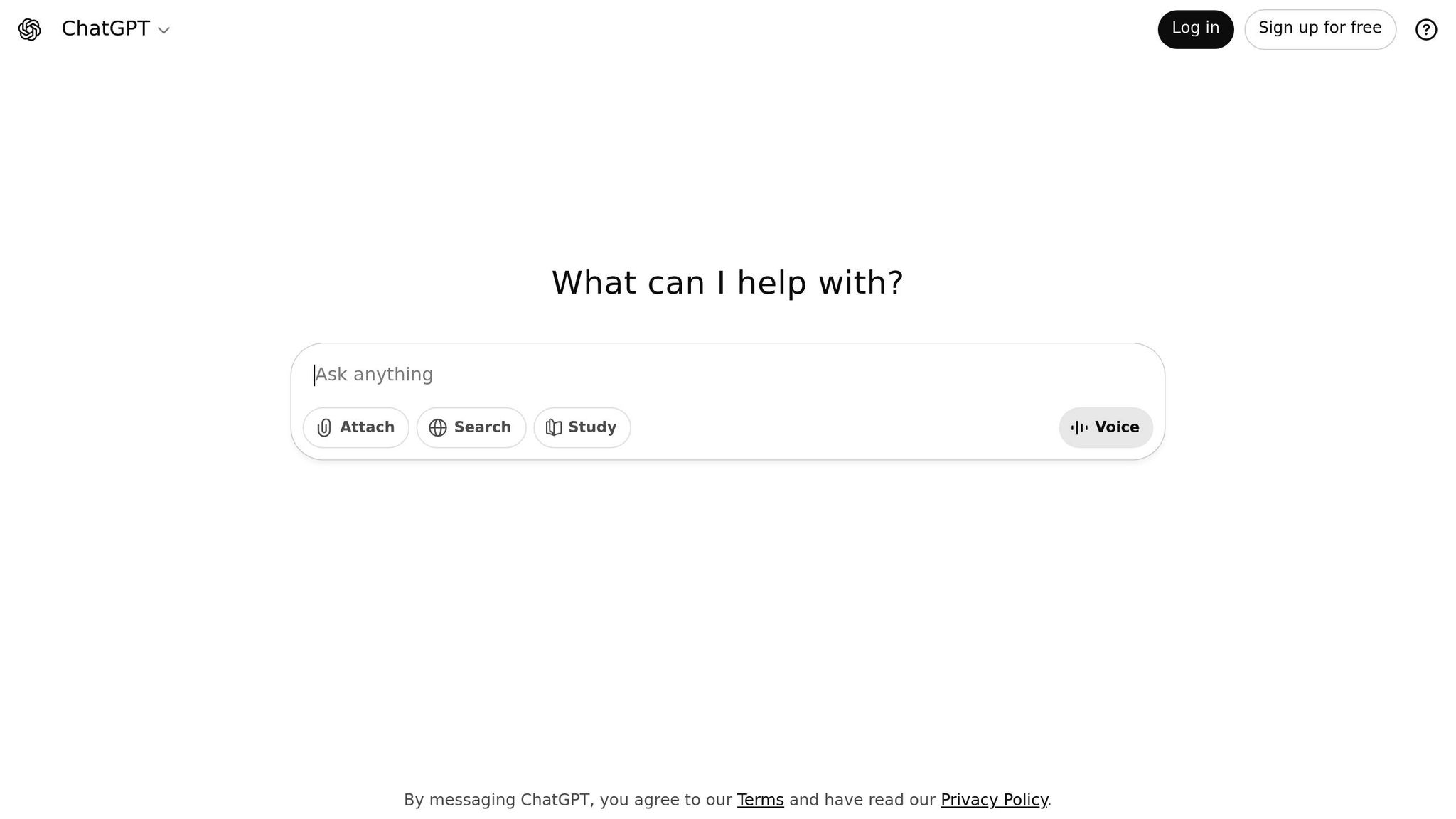
ChatGPT makes interacting with AI as simple as typing a message. You input your request, and it responds with human-like text that’s ready to use or tweak.
For business tasks, ChatGPT is great for drafting emails, summarizing meetings, and brainstorming content ideas. The trick is to be precise with your instructions. For example, instead of saying, "write an email", try something like, "draft a follow-up email suggesting three new meeting times."
It’s also a powerful tool for content creation. Use it to outline blog posts, generate social media captions, or craft product descriptions. The more context you give - like your target audience or preferred tone - the better the results.
Customer service teams love ChatGPT for creating polished replies to common questions. Just provide the customer’s query and ask for a professional response that fits your brand’s voice.
The free version of ChatGPT covers basic needs, while the paid version offers faster responses and more advanced capabilities. Most beginners find the free tier more than enough to get started.
Canva AI: Design and Graphics
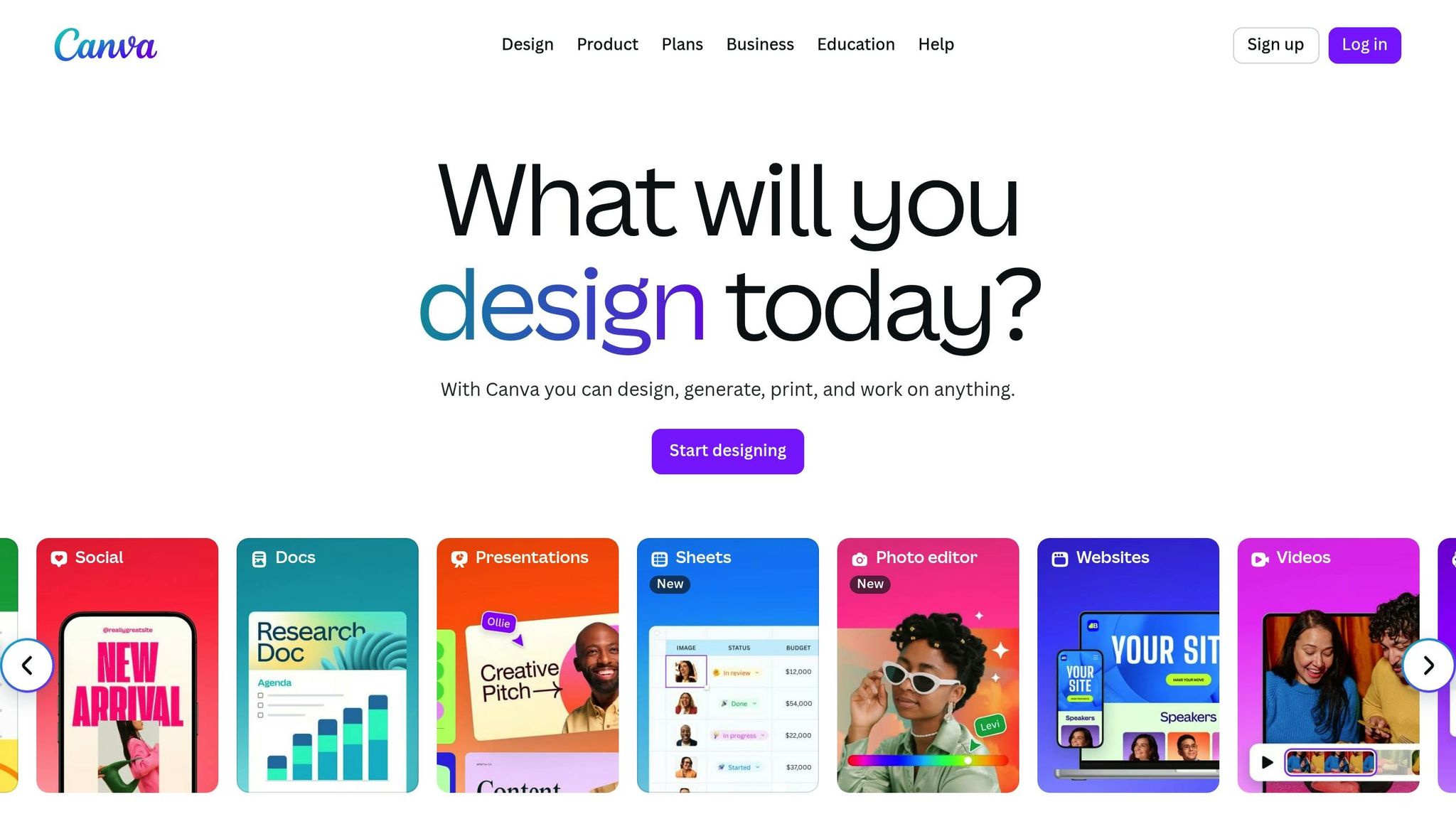
Canva AI takes the complexity out of graphic design by combining drag-and-drop functionality with AI that handles the technical details.
With Magic Design, you can upload a few images, describe what you need - like "Instagram post for a coffee shop promotion" - and Canva AI will generate multiple polished options in seconds.
The text-to-image feature is another standout tool. Just type something like "modern office workspace with plants and natural lighting", and Canva AI will create custom visuals tailored to your description. This eliminates the hassle of hunting through stock photo libraries or hiring photographers for simple projects.
For presentations, Canva AI can turn bullet points into sleek slides, automatically selecting fonts, colors, and layouts that look professional. Social media managers, in particular, benefit from Canva’s brand kit integration, which ensures consistent designs across platforms once you set up your company’s colors and fonts.
While many AI features are available for free, premium templates and advanced tools are part of a subscription plan starting at around $15 per month.
Runway ML: Video and Media Creation
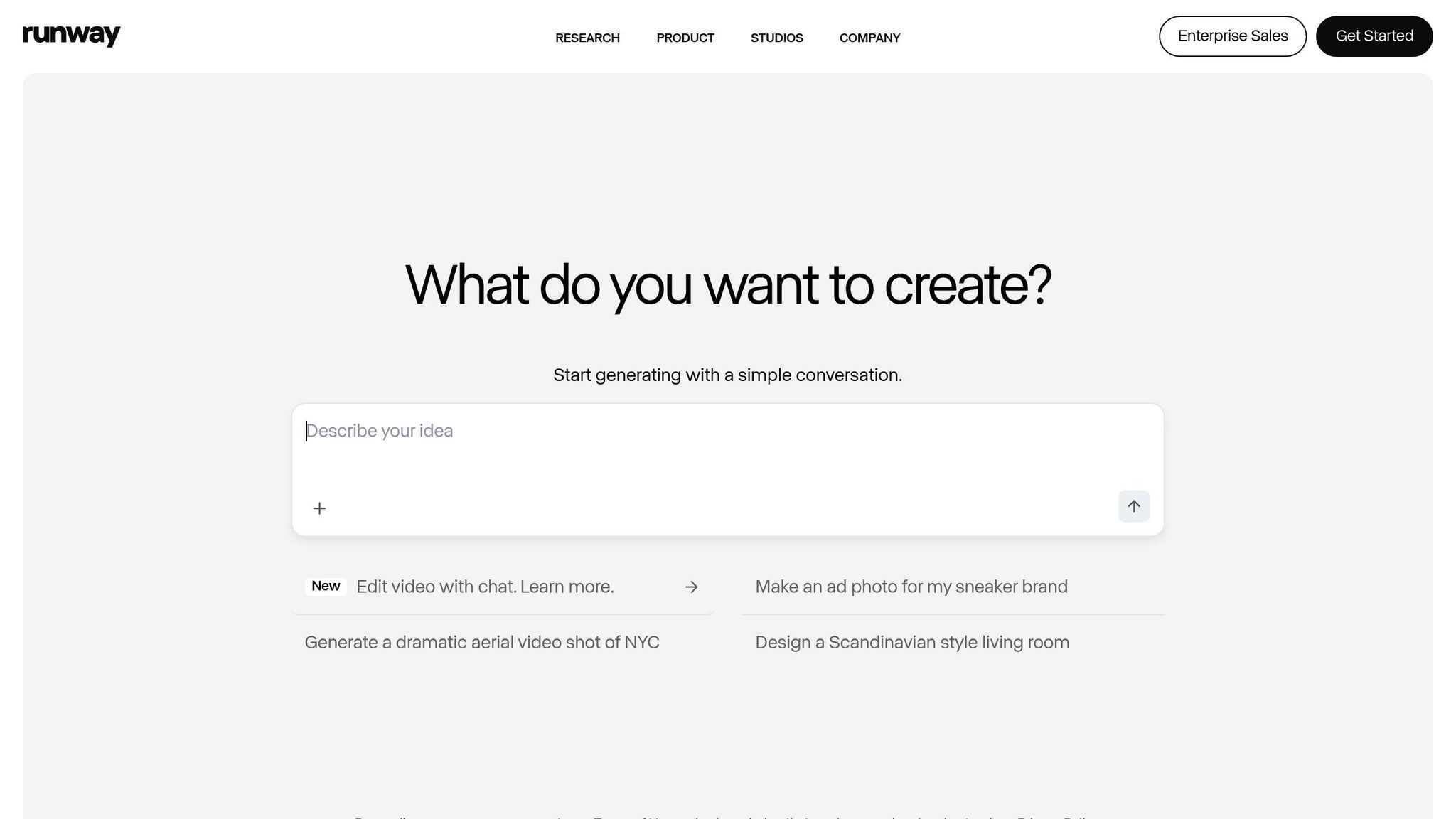
Runway ML makes video editing accessible, even for beginners, by using AI to handle tasks that typically require technical expertise.
One of its standout features is background removal for both images and videos. This allows you to create clean, professional visuals without needing a green screen - perfect for product demos or social media content.
You can also generate short video clips from text descriptions. While this feature is still evolving, it’s already handy for creating simple animations or placeholders during the planning stages of larger projects.
For existing videos, Runway ML can automatically generate subtitles and reduce background noise, making your content more polished and accessible. Additionally, its image upscaling tools can enhance the quality of older or low-resolution photos, which is a game-changer when working with archived or user-generated content.
Runway ML operates on a credit system, with basic plans starting at about $12 per month. The free tier provides enough credits to experiment and figure out which features suit your needs.
Each of these tools shines in its own way, and many users find that combining them is the best approach. Start with one platform, get comfortable with its features, and gradually expand your toolkit as your confidence grows.
sbb-itb-e5dd83f
Using No-Code AI for Common Business Tasks
No-code AI tools are transforming the way businesses tackle everyday tasks. By integrating these tools, you can streamline processes and achieve results without writing a single line of code. Let’s explore how AI can simplify your workflow.
Analyzing Data and Creating Reports
Gone are the days when turning raw data into actionable insights required advanced software and technical expertise. Modern AI tools can now process your data and deliver professional reports in just minutes.
Start with your existing data. Chances are, your business already has a goldmine of information stored in Excel sheets, Google Sheets, or CSV files. Simply upload these files to AI platforms that can automatically interpret and analyze the data structure.
Ask the right questions. Use prompts like, "What were our top-performing products this quarter?" to uncover trends and insights. AI tools can highlight seasonal patterns, detect anomalies, and provide a clearer picture of your sales, website traffic, or customer behavior.
Create visual reports effortlessly. Once analyzed, the AI can produce polished charts and graphs that are ready for presentations. These visuals can be exported directly to PowerPoint, Google Slides, or saved as PDFs, making it easy to share insights with your team or stakeholders.
With your data analysis on autopilot, you can shift focus to another time-consuming area: content creation.
Creating Content and Automating Writing
AI has become a game-changer for content creation, helping businesses draft emails, marketing materials, and reports faster than ever.
Speed up email writing. Provide the AI with key points, and it will draft a complete email for you. For instance, you could type, "Write a follow-up email to a client who missed our meeting. Suggest three alternative times next week, keeping the tone friendly yet professional." The result? A polished email, ready for your final tweaks.
Produce marketing copy variations. Start with a core message and let AI tailor it for different platforms. Whether you need a punchy social media caption, an email newsletter, or website copy, AI ensures your message stays consistent while adapting to each format.
Save templates for recurring tasks. Once you find content that works, save it as a template for future use. This is especially handy for repetitive communications like project updates, onboarding emails, or newsletters.
Automate content workflows. Many AI tools allow you to create workflows that take basic inputs - like product details - and generate everything from descriptions to social media posts and email campaigns. This approach eliminates hours of repetitive tasks.
Preserve your brand voice. The key to effective AI-generated content is clear instructions. Share examples of your preferred tone and style in the prompts - whether formal, casual, or conversational - to ensure the output aligns with your brand.
Automating Repetitive Tasks
AI shines brightest when it takes over those routine, time-consuming tasks that bog down your day. By automating these processes, you can focus on more strategic work.
Streamline document processing. AI can scan invoices, contracts, and forms, extract the key details, and input them into your system. Once set up, the process runs automatically, reducing errors and saving time.
Handle customer inquiries. Set up AI to respond to frequently asked questions. The system can analyze incoming emails, determine the type of inquiry, and send an appropriate response. For more complex issues, it can categorize and forward messages to the right team.
Simplify scheduling. AI assistants can take over the back-and-forth of scheduling meetings. By checking your calendar, suggesting available slots, and sending confirmations, they make coordinating appointments a breeze.
Organize files automatically. AI can monitor specific folders, rename files based on naming conventions, sort them into the correct locations, and even extract important details for your records.
Automate reporting. Create workflows that pull data from various sources, compile it into standard reports, and send them to your team on a set schedule. This is ideal for weekly sales updates, monthly performance summaries, or quarterly reviews.
Start small with one task and expand gradually. Perfecting one automation builds confidence and frees up time for you to tackle the next challenge. Each step brings you closer to a more efficient workflow.
Comparing No-Code AI Tools: Benefits and Drawbacks
Let’s break down the advantages and limitations of some popular no-code AI tools using the comparison chart below.
Tool Comparison Chart
| Tool | Primary Function | Monthly Cost | Ease of Use | Best For | Key Limitation |
|---|---|---|---|---|---|
| ChatGPT | Writing & Communication | $20/month (Plus) | Very Easy | Content creation, emails, research | Limited real-time data access |
| Canva AI | Design & Graphics | $14.99/month | Easy | Social media graphics, presentations | Template-dependent designs |
| Runway ML | Video & Media | $12/month (Standard) | Moderate | Video editing, creative content | Processing time for complex videos |
| NWA AI | Training & Support | Contact for pricing | Easy | Learning AI fundamentals, local mentorship | Geographic focus on Northwest Arkansas |
This chart provides a snapshot of the tools' primary strengths and weaknesses. However, these comparisons only scratch the surface.
ChatGPT is a standout for text-based tasks, but it has limitations when dealing with events or information beyond its training cutoff. Canva AI simplifies professional design creation, though it relies heavily on templates, which can limit originality. Runway ML empowers users to produce creative video content, but processing times can become a hurdle for more intricate projects. Lastly, NWA AI focuses on teaching AI basics and offering mentorship, but its services are geographically limited.
Common Limitations of No-Code AI
No-code AI tools are undeniably convenient, but they come with notable constraints. One of the most common issues is limited customization. These platforms often rely on predefined templates and components, making it tough to adapt them to unique business needs or complex workflows. Their "black box" nature means users have little control over how the tools function behind the scenes, which can be frustrating when trying to tailor solutions.
Scalability is another challenge. While no-code tools work well for small-scale projects, they can struggle as demands increase. Research from Forrester indicates that custom AI systems manage 3.4 times more data growth compared to no-code platforms. Similarly, Deloitte reports that 57% of businesses with scalable systems experience faster growth. No-code platforms, on the other hand, may falter under heavy data loads or high user traffic, leading to performance issues.
Vendor lock-in is a risk you can’t ignore. Once workflows and data are embedded within a specific platform, switching to another can be both costly and time-consuming. This dependency can limit flexibility as your needs evolve.
Security and compliance concerns are also worth noting. Since users have limited control over the infrastructure, meeting standards like GDPR or HIPAA can be tricky. Additionally, there’s the risk that sensitive data could unintentionally be used to train AI models, raising confidentiality issues.
Then there’s the problem of integration limitations. While most no-code tools support basic system connections, they often fall short when dealing with complex API calls or integrating with legacy systems and custom databases. This can lead to data silos and inefficiencies.
Finally, watch out for hidden costs. While these platforms often appear budget-friendly at first, expenses can climb as you add users, expand data storage, or integrate third-party features. Over time, you might find yourself needing a more tailored solution, which could mean starting over with a custom-built system.
Understanding these limitations upfront is essential. While no-code tools offer quick implementation and can boost productivity in the short term, it’s important to choose solutions that align with your current needs while leaving room for future growth.
Getting Started with AI Today
You don’t need a computer science degree or years of coding experience to start using AI. With the rise of no-code AI tools, you can streamline your workflow and tackle time-consuming tasks right away.
The first step? Pinpoint a repetitive task that eats up your time - like drafting emails, designing social media graphics, or analyzing data. Then, try out a no-code AI tool tailored to that task. For example, ChatGPT is a go-to for writing and communication, while Canva AI can handle design tasks with ease. Starting small keeps things manageable and helps you see results quickly.
Keep your expectations in check, though. No-code AI works best for standard tasks and small-to-medium projects. If your needs are more complex, you might need a different approach or tool.
Budgeting is another important piece of the puzzle. While many no-code AI tools are affordable to start, extra features, storage, or licenses can add up over time. Plan your expenses accordingly to avoid surprises.
The key is to dive in now. AI is evolving rapidly, and getting comfortable with one tool sets the stage for learning more over time. It’s all about building momentum - start with a single tool, experiment, and see how AI can simplify your work without the technical headaches.
FAQs
How do I choose the best no-code AI tool for my business?
To pick the best no-code AI tool for your business, start by pinpointing the specific tasks you want to improve. Are you looking to automate customer service, create content, or dive into data analysis? Once you’ve identified your focus, explore tools tailored to those needs. Some options shine in marketing campaigns, while others are built for streamlining workflows.
Ease of use is another key factor, especially if coding isn’t your strong suit. Look for tools with drag-and-drop interfaces, ready-made templates, and smooth integration with your existing systems. The goal is to find a tool that not only fits your requirements but also blends effortlessly into your current operations.
What challenges might I face when using no-code AI tools, and how can I address them?
Using no-code AI tools isn’t without its hurdles. For one, customization options can be quite limited, which might make it tricky to build highly tailored solutions. Another common issue is performance - these tools can struggle with large-scale tasks or when working with extensive datasets. And let’s not forget vendor lock-in, where switching to another platform down the line can become a real headache.
So, how do you navigate these challenges? Start by assessing your project's needs - if it demands a lot of flexibility, traditional development methods might be a smarter choice. Look for tools that adhere to open standards to keep your options open and avoid being tied to a single provider. Also, test the platform's performance early on to ensure it can handle your scalability requirements. With a thoughtful approach, no-code AI tools can still be a practical choice for many projects.
How can I keep my data secure and private when using no-code AI tools?
To keep your data safe while working with no-code AI tools, start by selecting platforms that emphasize data security and come with strong privacy safeguards. Look for features like encryption, data masking, and customizable controls for managing how your information is handled.
Another important step is to tighten access controls. Implement Role-Based Access Control (RBAC) to restrict permissions based on user roles, and activate Multi-Factor Authentication (MFA) for added security. Make it a habit to regularly inspect your workflows for potential weak spots and stay updated on new security practices or software updates.
Lastly, avoid sharing sensitive information unless absolutely necessary. Ensure you're adhering to relevant privacy laws, such as GDPR or CCPA, if they apply to your situation.
Build real AI capability on your work
The AI training programs are part of how Northwest Arkansas is approaching AI adoption.
Get involvedRelated Articles

ROI and KPIs in AI Process Optimization
Measure AI impact with ROI and KPIs: set baselines, track hard and soft ROI, and monitor model, system, and business KPIs to validate performance and value.

How Blended Learning Improves AI Upskilling
Blended learning, online modules plus hands-on workshops, boosts AI skill retention, engagement, and real-world application for faster workplace upskilling.

5 Steps to Define AI Workflow Goals
Set measurable AI workflow goals in five steps: map processes, set SMART targets, pinpoint AI opportunities, define KPIs, and align with strategy.