
Solving Workflow Problems with AI Automation
NWA AI Team
Editor
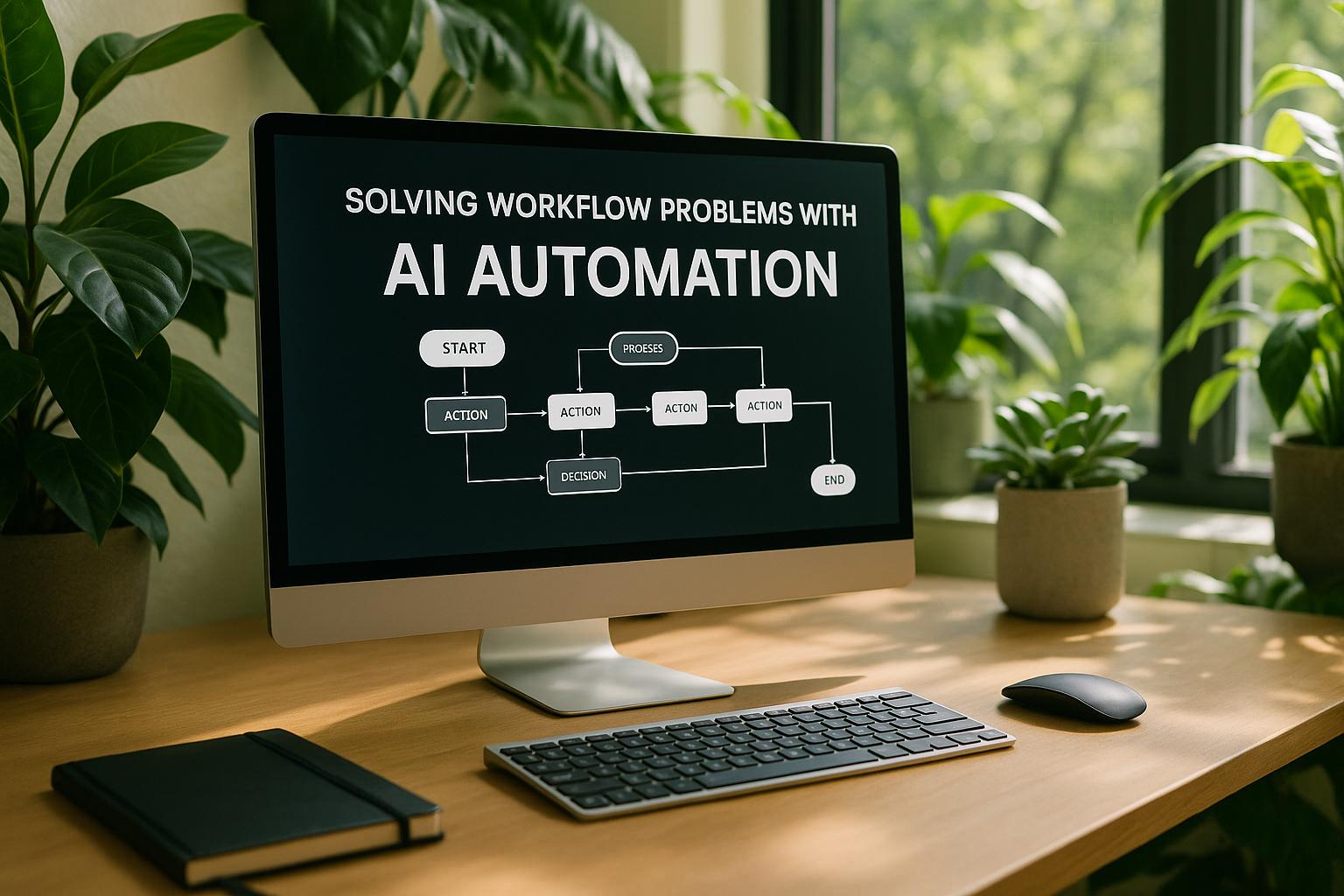
Solving Workflow Problems with AI Automation
AI automation is transforming workflows by addressing common business inefficiencies, such as repetitive tasks, compliance challenges, and scalability issues. By automating routine processes, reducing errors, and reallocating resources, companies can improve operations and focus on strategic goals. Here’s how AI tackles key workflow problems:
- Repetitive Tasks: AI tools handle tasks like data entry, invoice processing, and customer onboarding, saving time and reducing errors.
- Compliance: Automation ensures regulatory checks are accurate, maintains audit trails, and minimizes the risk of violations.
- Scalability: AI systems manage growth effortlessly, processing higher volumes and adapting to changing demands without extra staffing.
- Accuracy: Real-time validation reduces mistakes, ensuring clean data and smooth operations.
- Cross-Department Collaboration: AI integrates systems to eliminate silos, improving communication and efficiency across teams.
To implement AI automation, businesses need to evaluate workflows, select the right tools, and train employees for a smooth transition. Platforms like Microsoft Power Automate, UiPath, and Zapier cater to different needs, from simple task automation to complex processes. Success metrics include time savings, error reduction, and employee satisfaction, ensuring measurable improvements and ROI.
10 AI Automations That Run My Business (Steal These)
Common Workflow Problems in U.S. Businesses
Workflow inefficiencies are a significant challenge for U.S. businesses, sapping resources, lowering employee morale, and hurting financial performance. Despite advancements in technology, many companies still cling to outdated processes that simply don’t match the pace of modern business needs. This reliance on legacy systems often creates bottlenecks and inefficiencies that ripple across operations.
Problems with Manual and Repetitive Tasks
Manual data entry and repetitive tasks are among the biggest culprits when it comes to wasting time and energy. Employees often spend their days transferring information between systems, filling out forms, or performing redundant actions. Not only does this slow down operations, but it can also lead to frustration and burnout.
Take invoice processing as an example: an employee manually inputs invoice details, waits for approval, and then processes the payment. Every step in this process is prone to delays and errors. Even a small mistake - like a typo - can cause significant setbacks, leading to wasted time and unnecessary costs.
Financial Impact of Workflow Problems
As labor shortages persist and regulatory pressures increase, the financial strain of inefficient workflows becomes even more pronounced. Relying heavily on manual processes can drive up labor costs and require additional resources to fix avoidable errors. Meanwhile, employees bogged down by routine tasks have less time to focus on strategic initiatives, which can stifle innovation and overall profitability.
For businesses operating in regulated industries, these inefficiencies can create compliance headaches. Missed deadlines or incomplete records can lead to fines and further complications, adding to the financial burden.
Problems with Isolated Departments
Departmental silos are another major contributor to workflow inefficiencies. When teams operate independently without proper integration, information often gets stuck in isolated systems. This lack of coordination can result in duplicated efforts, miscommunication, and delays.
For instance, sales and customer service teams might use different databases to track customer interactions. This disconnect can lead to inconsistent client experiences, as one department might not have access to critical information from the other. The handoff between teams becomes a weak link, causing delays in follow-ups or project progress.
Without clear communication and shared visibility across departments, these problems can remain hidden until they grow into larger, more costly challenges. Over time, the lack of synchronization between teams can erode both operational efficiency and customer trust.
How AI Automation Fixes Workflow Problems
AI automation is reshaping how U.S. businesses tackle workflow challenges by addressing inefficiencies at their core. Instead of piling on more manual processes to fix issues, advanced AI tools create streamlined solutions that boost speed, accuracy, and overall operational performance.
By identifying patterns, making decisions, and completing tasks with precision, AI not only handles routine operations but also frees up human talent for more strategic and creative work. These capabilities directly address many of the hurdles businesses face today.
Automating Repetitive Tasks
One of AI's standout strengths is its ability to take over repetitive tasks that often consume valuable employee time. Robotic Process Automation (RPA) can handle jobs like data entry, file transfers, and routine communications without the need for human involvement. These systems work 24/7, processing large volumes of tasks that would otherwise require entire teams.
Take customer onboarding, for example. AI-powered systems can handle everything from document verification and background checks to account creation and sending welcome emails. What used to take hours of manual effort can now be completed quickly and efficiently through automation.
Natural language processing (NLP) takes this a step further by managing routine communications. AI systems can read and respond to standard customer inquiries, sort support tickets, and even draft initial responses for human review. This allows customer service teams to focus on more complex issues that demand empathy and creative thinking.
The time saved is substantial. Labor-intensive processes are reduced to just a few hours of oversight and exception handling. This shift lets employees focus on high-value activities like building customer relationships, improving processes, or innovating new products.
Improved Data Accuracy and Fewer Errors
AI automation also excels at reducing errors through real-time validation. Machine learning algorithms are designed to catch inconsistencies and anomalies that might slip past human workers, especially during busy periods.
Unlike people, AI systems don’t get tired or distracted. They maintain consistent accuracy, a critical advantage in industries where precision is essential for compliance and efficiency.
For instance, AI can validate data as it’s entered, flagging any discrepancies or unusual entries. If an invoice amount seems unusually high for a specific vendor, the system can flag it for review. Similarly, if customer information doesn’t match expected formats, it can either correct the issue or route it to a human for verification. This ensures that records stay accurate and synchronized across departments.
Greater Scalability and Flexibility
Scaling traditional workflows often means hiring more staff and dedicating time to training. AI automation, on the other hand, can handle increased workloads without breaking a sweat.
Machine learning systems thrive on data, using it to identify new patterns, refine decisions, and adapt to changing business needs. As a company grows, its automated workflows become more sophisticated rather than overwhelmed.
AI’s adaptability also shines during peak periods or unexpected disruptions. Whether it’s managing a sudden surge in demand or adjusting to new regulations, AI systems can handle the changes without requiring overtime or temporary staff. Updates can be implemented quickly, keeping operations smooth and efficient.
This scalability also supports businesses looking to expand geographically. AI systems work seamlessly across different time zones and locations, ensuring consistent performance and quality no matter where they’re deployed. This makes it easier for companies to grow while maintaining high standards of efficiency and reliability.
sbb-itb-e5dd83f
Steps to Implement AI Workflow Automation
AI workflow automation works best when introduced with a clear, step-by-step approach. Start by analyzing your current workflows, identifying problem areas, and gradually integrating AI to address those challenges. The goal is to achieve measurable improvements while keeping employees engaged and involved throughout the process. Below, we’ll break down the key steps to get started.
Evaluating Your Workflow Needs
Before diving into automation, take a close look at your existing workflows. Map out each process to locate bottlenecks and assess the time and cost associated with them. This analysis will help you focus on areas where automation can make the biggest impact.
- Target repetitive, high-volume tasks first. These are often the easiest to automate and provide the fastest return on investment. For example, tasks like data validation or routine approvals are prime candidates.
- Address error-prone processes. If certain workflows frequently require corrections or rework, automating them can save significant time and reduce mistakes.
- Quantify the potential impact. Estimate how many hours employees spend on specific tasks each week and calculate the potential time savings if those tasks were automated. This data will help justify the investment and set benchmarks for measuring success.
Don’t overlook compliance concerns during this evaluation. Industries like healthcare, finance, and manufacturing have strict regulations that any AI solution must meet. Identify workflows that involve sensitive data or regulatory reporting, as these will require specialized tools with robust security and auditing features.
Lastly, involve employees in the evaluation process. They often have firsthand knowledge of inefficiencies that may not be visible from a management perspective. Ask them about their frustrations and which tasks they’d most like to see automated. Their input will help prioritize implementation efforts and build support for the changes.
Choosing the Right AI Tools
Selecting the best AI tools is a balancing act between functionality, ease of use, and compliance. Start by categorizing your automation needs - whether for document processing, data analysis, customer communication, or workflow orchestration.
- Opt for user-friendly platforms. Tools with drag-and-drop interfaces or pre-built templates make it easier for non-technical teams to adopt and manage the system without heavy reliance on IT.
- Ensure seamless integration. The best tools connect effortlessly with your existing software, such as CRM systems, accounting platforms, or communication tools. Poor integration can lead to data silos and increased complexity instead of simplification.
- Plan for scalability. Choose solutions that can grow with your business. Cloud-based platforms often offer better flexibility for scaling up, though they may come with additional security considerations.
Testing is crucial before committing to any tool. Most providers offer trial periods or pilot programs - use these to run real workflows and evaluate performance. Pay attention to accuracy, processing speed, and how well the tool handles exceptions or unusual cases. Also, verify that the platform includes features like audit trails, encryption, and user access controls to meet your industry’s regulatory requirements.
Keep in mind the total cost of implementation, including training, integration, and ongoing support. Many organizations underestimate these expenses, leading to budget overruns that could have been avoided with better planning.
Employee Training and Change Management
The success of AI automation hinges on employee buy-in and proper training. Once you’ve selected your tools, focus on preparing your team to use them effectively.
- Communicate the benefits clearly. Address concerns about job security by explaining how automation will eliminate tedious tasks, allowing employees to focus on more engaging and strategic work. Share specific examples of how their roles will evolve, not disappear.
- Identify champions within teams. Select employees who are enthusiastic about technology and respected by their peers to act as advocates. Provide them with advanced training so they can assist their colleagues during the transition.
- Develop thorough training programs. Go beyond teaching the basics of tool functionality. Employees need to understand when and how to use the tools, as well as how to handle exceptions. Incorporate real-world scenarios and establish clear escalation procedures for unusual cases.
Introduce changes gradually, starting with pilot programs in one department or for a specific process. This phased approach allows you to troubleshoot issues and gives employees time to adjust. After the initial rollout, provide ongoing support through regular check-ins to address questions and gather feedback.
Finally, celebrate successes. Share stories of how automation has saved time, reduced errors, or improved efficiency. Highlighting these wins can build momentum and encourage broader adoption across the organization.
As AI takes over routine tasks, employees may need to develop new skills, such as data analysis or strategic planning, to work effectively alongside automated systems. Proactively addressing skill development ensures your workforce stays equipped for the future.
Top AI Workflow Automation Tools and Platforms
Once you've mapped out your workflow needs and established clear selection criteria, the next step is choosing the right tool to close those gaps. The AI workflow automation market is brimming with options, each tailored to specific tasks like document management, data analysis, or customer interactions. Picking a platform that aligns with your goals can save you months of trial and error.
Let’s break down some of the top AI automation tools and how they can fit into your workflow.
Microsoft Power Automate is a go-to for businesses already using Office 365. It seamlessly integrates with tools like Excel, Outlook, and SharePoint, making it easy to automate everyday tasks. Its visual workflow builder simplifies setup, and its tight connection to Microsoft products is a major plus. However, it may struggle with highly complex workflows or advanced AI-driven tasks.
Zapier specializes in connecting a wide range of apps - thousands, in fact. It’s great for automating basic workflows, like triggering actions based on specific conditions. Think of it as the glue between your CRM, communication tools, and other software. While it’s excellent for straightforward tasks, it lacks the advanced AI capabilities needed for more intricate operations like predictive analytics or detailed document processing.
UiPath is built for tackling complex automation challenges. It shines in scenarios like reading invoices, pulling data from PDFs, or working with older systems. The platform also incorporates AI features like document understanding and process mining to identify automation opportunities. While it’s powerful, it does require a higher level of technical expertise, making it better suited for more advanced workflows.
NWA AI Training offers hands-on programs designed to help teams master AI tools and improve workflow efficiency. This is particularly useful for organizations looking to upskill their workforce and maximize their automation potential.
Salesforce Flow is tailored for businesses already using Salesforce CRM. It automates tasks like updating records, sending notifications, and creating follow-ups based on customer interactions. This makes it a cost-effective choice for Salesforce users. However, its focus on the Salesforce ecosystem might limit its appeal for companies needing broader automation capabilities.
Monday.com merges project management with workflow automation. Teams can automate task assignments, move items through project stages, and set up notifications for approaching deadlines. Its user-friendly design makes it ideal for project teams, though organizations in highly regulated or complex industries might require more specialized tools.
To make the decision easier, here’s a quick comparison of these platforms:
Comparison Table: Features and Benefits
| Platform | Starting Price | Best For | Key Strengths | Integration Support | AI Features |
|---|---|---|---|---|---|
| Microsoft Power Automate | Varies by plan | Office 365 users | Strong Microsoft integration | Excellent with MS tools | Basic AI capabilities |
| Zapier | Free to premium | App connectivity | Thousands of app integrations | Broad third-party support | Limited AI features |
| UiPath | Contact for quote | Complex automation | Advanced document processing | Enterprise system support | Strong AI document handling |
| Salesforce Flow | Included with licenses | Salesforce users | Seamless CRM integration | Salesforce ecosystem only | CRM-focused automation |
| Monday.com | Varies by plan | Project teams | Visual workflow management | Solid project tool support | Basic automation features |
| NWA AI Training | Contact for pricing | Skill development | Practical, hands-on training | Tool-agnostic approach | Focus on practical AI use |
Your choice will often depend on your existing tech stack and the complexity of your automation needs. For example, if your organization already relies on Microsoft tools, Power Automate offers an easy entry point. On the other hand, businesses with more complex requirements, like advanced document processing, will likely benefit from UiPath.
Also, don’t overlook compliance. If you work in industries like healthcare or financial services, prioritize platforms with features like detailed audit trails, data encryption, and advanced access controls. These considerations are critical for ensuring that your automation efforts align with regulatory standards.
Measuring Success and Next Steps
Once you've implemented AI workflow automation, the next big step is measuring its success. Why? Because tracking performance is the only way to ensure you're getting the most out of your investment. AI automation, when done right, can lead to noticeable improvements in business operations.
Start by establishing baseline metrics. Record how long processes take, how often errors occur, and how many hours employees spend on repetitive tasks. These numbers give you a clear picture of where you started and help quantify the time and money saved after automation.
To calculate ROI, convert the saved labor hours into dollar amounts and compare that against what you spent on automation. This calculation will also help you figure out how long it will take to recoup your investment. Beyond labor savings, track how much automation reduces errors. Fewer mistakes mean fewer costly fixes, better customer experiences, and improved data accuracy.
Another critical measure of success is employee satisfaction. Survey your team regularly to gauge how automation is affecting their job satisfaction and stress levels. By shifting employees away from routine tasks and into more strategic roles, you’re not just saving time - you’re also increasing morale and engagement.
Review cycles are essential. At first, review progress frequently to compare results against your baseline metrics. Over time, as processes stabilize, you can space out these reviews. Keep an eye out for both expected improvements - like quicker workflows - and surprising benefits, such as better customer response times or cleaner data.
Once the results are clear and positive, consider expanding automation to other areas of your business. The skills and tools you’ve already developed can often be applied to streamline additional workflows, creating even more efficiency and cost savings.
FAQs
How does AI automation help businesses lower compliance risks?
AI-powered automation helps businesses stay on top of compliance by ensuring workflows are accurate, consistent, and aligned with regulations. By automating compliance checks, companies can catch potential problems early, reducing the chances of expensive violations or penalties. For instance, AI can confirm that tasks are completed in the right order and that data is transferred accurately between systems, cutting down on human errors.
On top of that, AI tools excel at monitoring and analyzing massive amounts of data in real time. They can quickly flag discrepancies or risks of non-compliance before they escalate into bigger issues. This not only saves time but also offers businesses reassurance that their operations are meeting regulatory requirements.
What are the first steps to successfully integrate AI automation into business workflows?
To make AI automation work for your workflows, begin by taking a close look at your current processes. Identify areas where things slow down, tasks that feel repetitive, or inefficiencies that eat up valuable time - these are often the best spots to introduce automation.
After spotting these opportunities, set specific goals for what you aim to achieve with AI automation. Whether it's cutting down on errors, saving time, or boosting productivity, having clear objectives will guide your efforts. Don’t forget to establish measurable metrics to track how well the automation is working and ensure it brings tangible benefits to your business.
How does AI automation affect employee roles and job satisfaction over time?
AI automation is reshaping the workplace by handling repetitive tasks, freeing employees to focus on responsibilities that are more strategic, creative, and rewarding. This shift not only enhances productivity but also boosts job satisfaction, as workers engage in roles that demand critical thinking and innovation.
For jobs that rely heavily on routine tasks, this transformation may require employees to adapt by learning new skills or transitioning to different positions. On the upside, AI also equips workers with data-driven insights, enabling smarter decisions, improving the quality of outcomes, and empowering employees to excel in their roles.
Build real AI capability on your work
The AI training programs are part of how Northwest Arkansas is approaching AI adoption.
Get involvedRelated Articles

ROI and KPIs in AI Process Optimization
Measure AI impact with ROI and KPIs: set baselines, track hard and soft ROI, and monitor model, system, and business KPIs to validate performance and value.

How Blended Learning Improves AI Upskilling
Blended learning, online modules plus hands-on workshops, boosts AI skill retention, engagement, and real-world application for faster workplace upskilling.

5 Steps to Define AI Workflow Goals
Set measurable AI workflow goals in five steps: map processes, set SMART targets, pinpoint AI opportunities, define KPIs, and align with strategy.