
Top AI Productivity Apps for Teams in 2025
NWA AI Team
Editor

Top AI Productivity Apps for Teams in 2025
Looking to simplify team workflows in 2025? AI productivity apps are reshaping how teams handle scheduling, task management, and collaboration. These tools automate repetitive tasks, reduce miscommunication, and make it easier to stay on track - whether you're working remotely or in a hybrid setup.
Here’s a quick breakdown of the top tools:
- Motion: Automatically schedules and prioritizes tasks based on deadlines.
- Clockwise: Optimizes meeting times and integrates tasks into calendars.
- ClickUp AI: Combines task management, document creation, and team collaboration.
- Notion AI: Acts as a smart assistant, organizing your team’s knowledge base.
- Microsoft 365 Copilot: Embeds AI into Word, Excel, and Teams for seamless productivity.
- Slack GPT: Adds AI-powered assistance directly into Slack for smoother communication.
- Reclaim.ai: Protects focus time and simplifies scheduling with AI-driven tools.
Quick Tip: Start with one tool that solves your biggest pain point - be it scheduling, task overload, or better collaboration - and expand from there.
Below, we’ll dive into what makes each app stand out, their integrations, and pricing options.
7 Free AI Productivity Tools I Use Every Day
1. NWA AI Training and Support
NWA AI Training and Support, developed by the Northwest Arkansas AI Innovation Hub, is an educational platform designed to help individuals and organizations in Northwest Arkansas enhance their AI skills. These programs are tailored to fill critical knowledge gaps and encourage innovation in the field of AI.
The training is divided into three specialized programs:
| Program | Focus Area | Key Benefits |
|---|---|---|
| AI Literacy | Strategic Understanding | Learn the basics of AI, including its capabilities and limitations. |
| AI Leverage | Hands-on Implementation | Get practical experience with AI tools through interactive, hands-on training. |
| AI Adoption | Organizational Change | Master strategies for seamlessly integrating AI into business operations. |
These programs are designed to help teams and organizations boost their understanding of AI and apply it effectively in real-world scenarios.
2. Motion
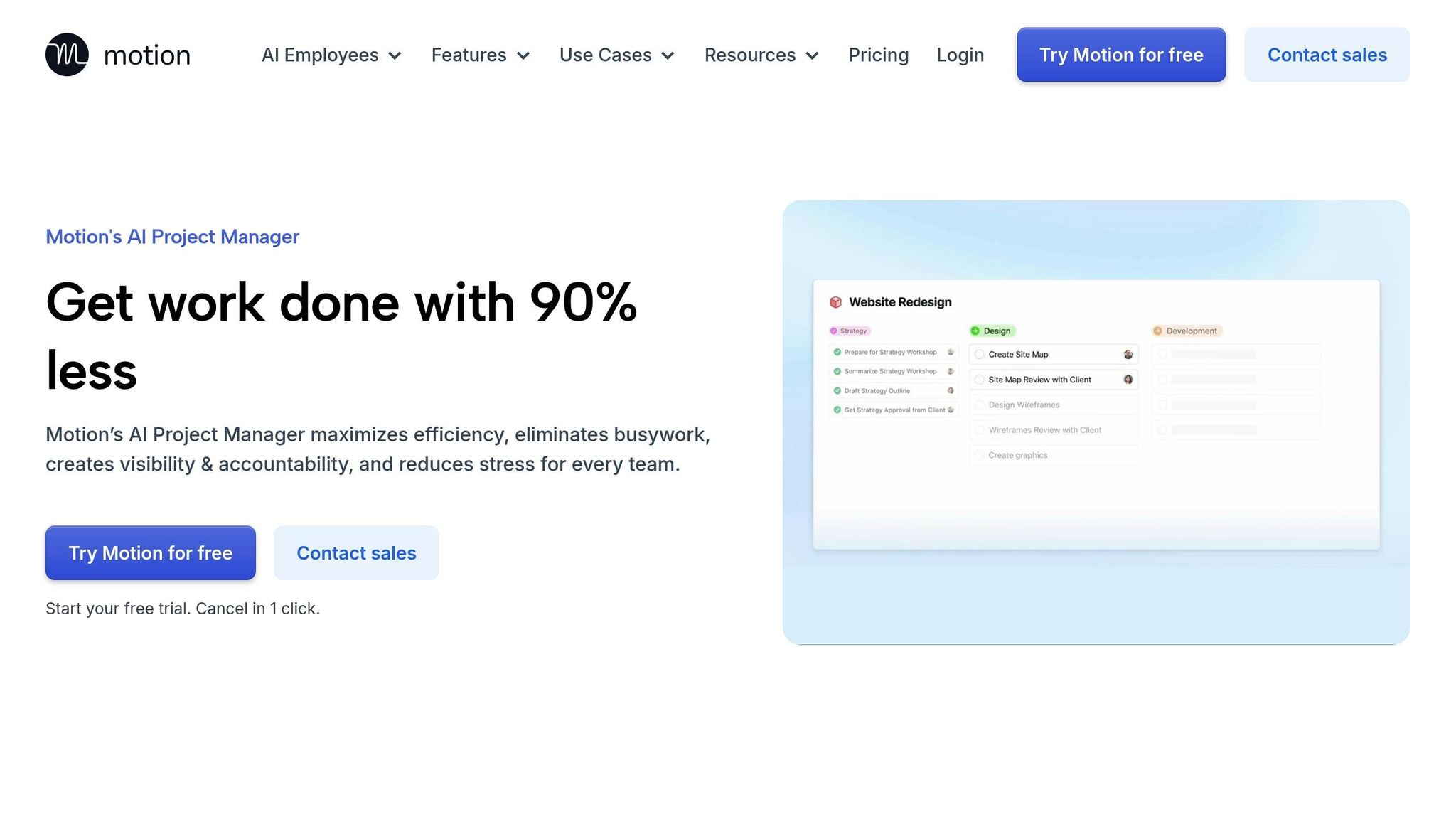
Motion is an AI-driven project management tool designed to simplify task scheduling and streamline workflows. Instead of relying on manual calendar updates, Motion uses artificial intelligence to determine the best time slots for tasks based on the priorities you set. This means less time spent reorganizing your schedule and more time focused on getting work done.
AI-powered scheduling and flexibility
At the core of Motion is its AI engine, which automatically schedules tasks by evaluating your priorities, current commitments, deadlines, and the estimated time each task requires. The system dynamically adjusts your agenda, ensuring high-priority tasks take precedence while lower-priority ones are rescheduled when urgent projects come up. By considering factors like task duration and individual work habits, Motion creates a tailored daily plan that adapts to your needs.
Seamless integration with your tools
Motion connects effortlessly with tools you already use, thanks to its Zapier integration. This allows teams to create and schedule tasks directly from platforms like Slack or email. These tasks are then automatically aligned with team availability and synced with other project management tools, ensuring a consistent workflow.
| Integration Category | Tools |
|---|---|
| Communication | Slack |
| Gmail, Outlook | |
| Video Conferencing | Zoom, Google Meet |
| CRM | HubSpot, Salesforce |
| Automation | Zapier |
The purpose of these integrations is to keep work organized and prioritized without requiring constant manual updates. This approach not only saves time but also ensures that your team’s workflow remains adaptable to shifting demands. Motion exemplifies how AI tools continue to shape and improve collaboration in 2025.
3. Clockwise
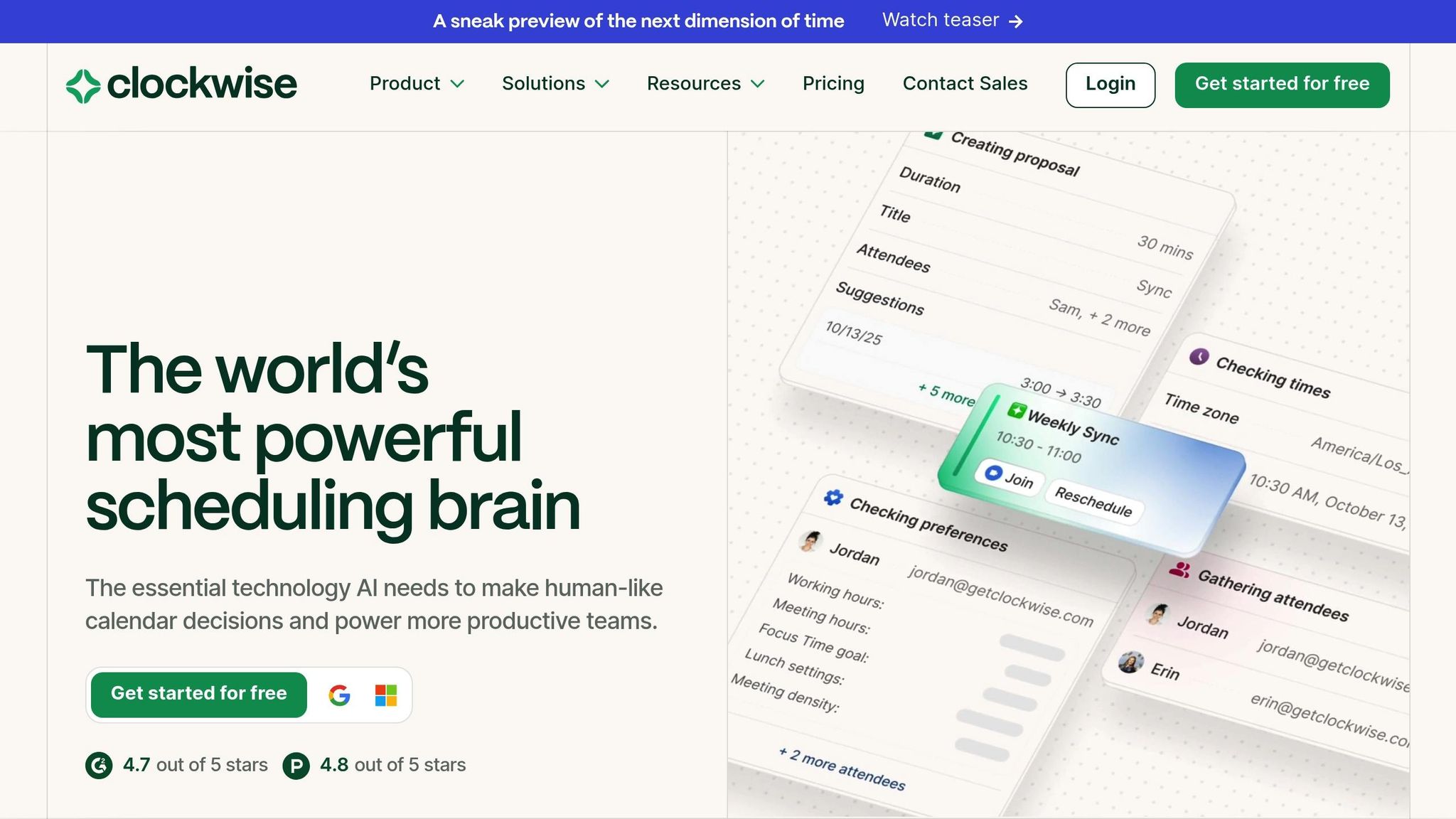
Clockwise, sometimes referred to as Prism, is an AI-driven calendar designed to make time management easier for teams. It aligns perfectly with the growing trend toward automated workflows, eliminating the hassle of manual coordination. Unlike traditional calendar apps, Clockwise focuses on optimizing schedules and streamlining task management.
Scheduling and Time Optimization
One of Clockwise's standout features is its ability to save teams about one hour per week by intelligently managing schedules. It analyzes calendars to recommend the best meeting times while avoiding conflicts. Need to propose a meeting? Its conversational interface makes it simple to identify and suggest time slots. You can even design your "ideal day" by setting up work blocks, breaks, and meetings that fit your productivity style.
AI-Powered Task Automation
Clockwise goes beyond just scheduling meetings. It integrates your to-do list directly into your calendar, automatically finding the best time to tackle tasks. This ensures that important work gets done without delays. Plus, its integrations make it easier for teams to stay on the same page.
Integration with Existing Workflows
Clockwise works smoothly with tools like Slack, enabling teams to schedule or reschedule meetings right within their chats. It also offers user-friendly scheduling links, making it easier to set up client meetings. For smaller teams, there’s a free plan with basic features, while paid plans start at $6.75 per month when billed annually.
4. ClickUp AI
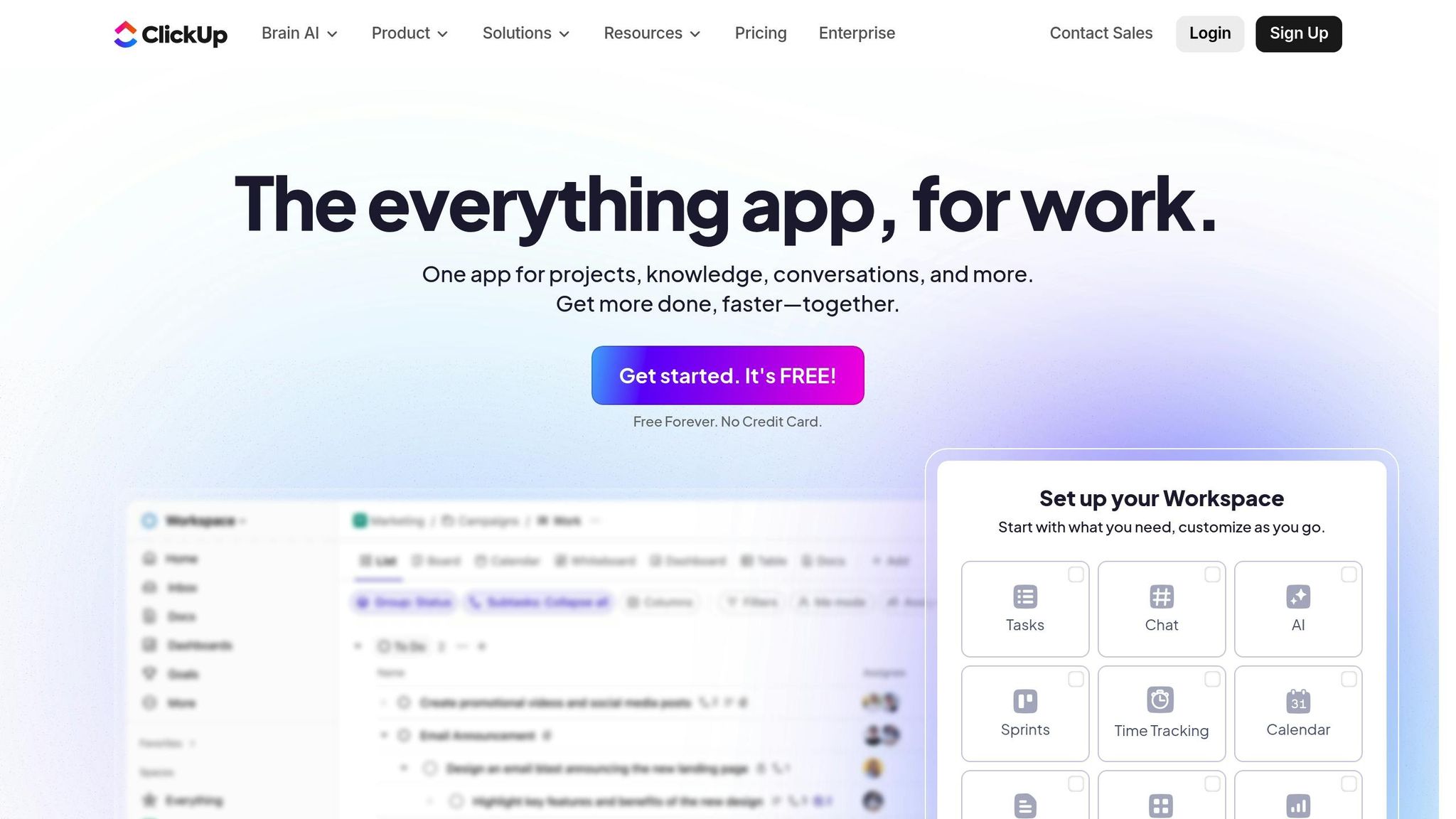
ClickUp AI brings tasks, documents, and team communication together in one workspace, making it easier to manage projects without juggling multiple apps. At the heart of this platform is its AI "Brain", which works like a digital project coordinator. It helps generate tasks, create content, and streamline workflows, making team collaboration more efficient.
AI-Powered Task Automation
With ClickUp AI, tasks practically create themselves. The AI analyzes project requirements and team discussions to automatically generate tasks. It can summarize long conversations, turning them into clear, actionable insights, and even suggest next steps. This feature is a game-changer for teams handling multiple projects across different communication tools.
Team Collaboration Features
ClickUp provides a shared workspace where teams can work on documents, track progress, and communicate seamlessly. The AI Brain monitors team discussions to identify tasks or deadlines, ensuring nothing important slips through the cracks. On top of that, its document tools offer real-time writing help and editing suggestions, making collaboration smoother than ever.
Integration with Existing Workflows
ClickUp AI works well with tools you’re already using, like Slack, Google Workspace, Zoom, and GitHub. For example, a marketing team combined ClickUp AI with Slack and Google Drive to automate task assignments. The result? A 30% increase in project completion rates within just three months.
"ClickUp AI has transformed how we manage our projects, making it easier to stay on track and collaborate effectively", said Marketing Manager Jane Doe.
For smaller teams, ClickUp offers a "Free Forever" plan, while larger teams can choose from Unlimited, Business, and Enterprise tiers. AI features are available as an add-on, helping teams streamline workflows and boost productivity without breaking the bank.
5. Todoist AI
Todoist AI is highlighted as a productivity app powered by AI in 2025. However, there’s still limited information from verified sources about its specific features, such as task automation, team collaboration tools, scheduling enhancements, or integrations. This aligns with a broader trend among top tools we’ve reviewed, which prioritize improving team workflows and boosting efficiency.
6. Notion AI
Notion AI takes the popular workspace platform to the next level by integrating AI tools that enhance productivity. With features like an AI assistant and text generator built directly into Notion, teams can start using these tools right away.
Team Collaboration Features
Notion AI Q&A acts as a smart assistant, pulling information from your organization’s entire knowledge base, including all Notion pages and connected tools. No more digging through endless documents or interrupting coworkers to find what you need.
When a team member has a question, Notion AI Q&A can deliver answers sourced from platforms like Slack, Google Drive, GitHub, and Zendesk. The responses even come with citations to original sources, so users can verify details or explore further. This makes sharing knowledge across the team effortless and ensures everyone has instant access to critical information. Plus, the Q&A feature integrates smoothly with other workflows for even more utility.
Integration with Existing Workflows
Notion AI’s strength lies in its ability to work seamlessly with the tools your team already uses. Thanks to its Zapier integration, Notion AI connects with thousands of other apps, enabling automation across platforms without requiring teams to switch tools.
For instance, if a task is created in Asana, Notion AI can automatically draft a project brief in Notion, then notify the team in Slack via Zapier. This type of automation eliminates manual steps, reducing errors and ensuring everything stays on track.
Notion also supports embedding content from other online platforms, making it a central hub where teams can access all their resources without the hassle of switching between apps.
Pricing for Notion Q&A starts at $10 per user per month, with a discounted rate of $8 per user per month for annual billing. This flexible pricing allows teams to scale their AI usage based on their specific needs.
sbb-itb-e5dd83f
7. Microsoft 365 Copilot
Microsoft 365 Copilot is changing the way teams work by weaving AI directly into the tools they use every day. As part of Microsoft's feature set for the 365 suite, it enhances productivity across emails, documents, presentations, and team collaboration platforms.
AI-Powered Task Automation
Copilot shines when it comes to automating repetitive tasks that often eat up time. In Outlook, it simplifies email management by summarizing long threads and pointing users to the most relevant messages. Its "Coaching by Copilot" feature takes email communication a step further, offering feedback on tone and structure to ensure messages are clear and empathetic.
"Microsoft Copilot, the tech giant's AI feature package for the 365 suite, adds a range of intelligent features. It does the basics with a couple of useful twists, making it a great tool that refines email communications: when summarizing a thread, it offers sources to help you jump to relevant messages; and if you're not sure how your email will land, you can use Coaching by Copilot: the AI will analyze the tone, content, and structure of your communication and offer tips to make it clearer and more empathetic."
– Zapier
By streamlining routine tasks, Copilot helps teams communicate more effectively.
Enhanced Team Collaboration
Microsoft Teams gets a boost with Copilot's AI-powered features. It provides tools like translation, transcription, and meeting summaries that capture key takeaways and action items, making collaboration smoother and more efficient.
"Microsoft Teams: Offers translation, transcription, and meeting summaries, tied into Microsoft's full suite."
– PromptLayer
Seamless Integration with Microsoft Tools
One of Copilot's standout features is its seamless integration across the Microsoft ecosystem. AI capabilities are embedded into Word, Excel, and PowerPoint, enhancing productivity without requiring users to learn new tools. This means teams can immediately take advantage of AI-powered features without disrupting their usual workflows or processes.
8. Slack GPT
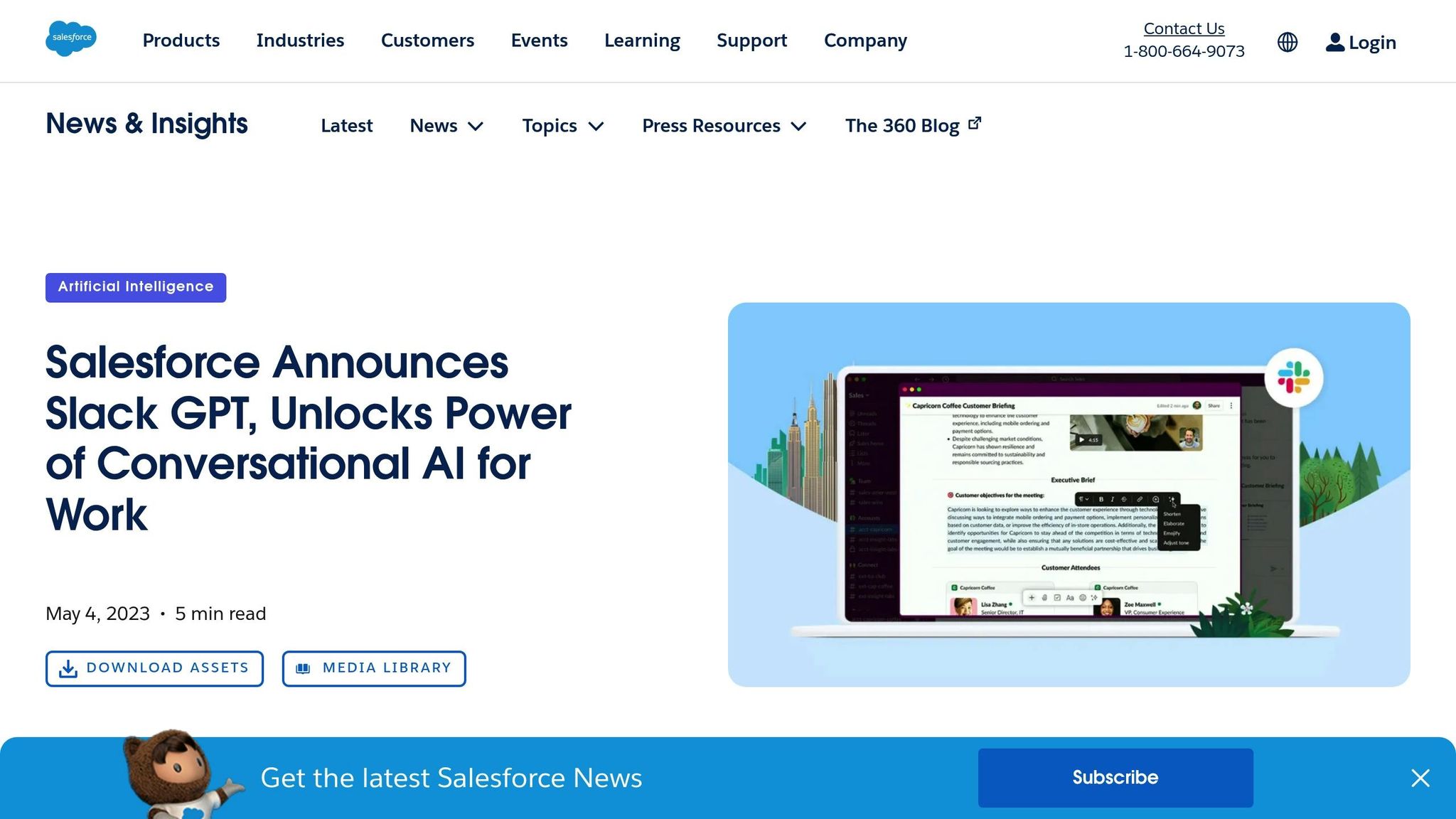
Slack GPT takes the idea of AI integration to the next level by embedding AI directly into the Slack platform, making real-time messaging and team collaboration smoother than ever. With this feature, users can access AI-powered assistance right within Slack, eliminating the need to switch between apps. This integration helps teams communicate and collaborate more efficiently while staying within a tool they already know and use daily. As Slack continues to refine its AI features, users can look forward to even more intuitive tools that simplify workflows and boost productivity. This development is part of the broader wave of AI advancements transforming how teams work together in 2025.
9. Taskade
Taskade brings project management and team collaboration together in one place, creating a shared workspace where teams can handle tasks and communicate updates seamlessly. This all-in-one approach simplifies workflows, aligning well with the efficient integrations discussed earlier.
10. Reclaim.ai
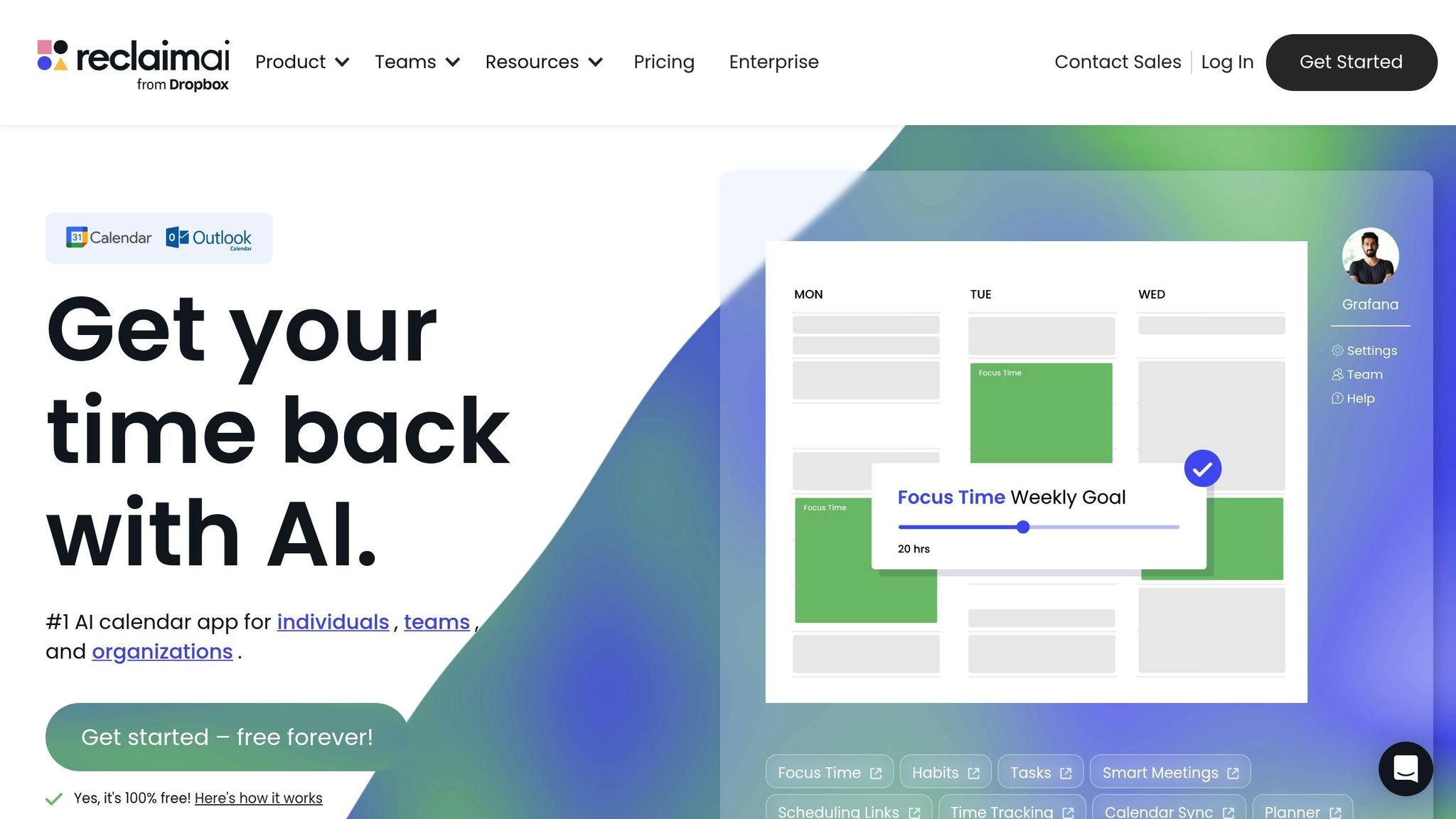
Reclaim.ai takes a fresh approach to team productivity with its AI-powered calendar management and time protection features. Instead of just organizing tasks, this platform helps teams regain control of their schedules by carving out uninterrupted time for focused work. It directly tackles the challenge of fragmented schedules, which can derail productivity.
Scheduling and Time Optimization
Reclaim.ai’s Focus Time feature uses AI to block off uninterrupted periods for deep, concentrated work. Teams can even establish company-wide policies to ensure everyone benefits from these dedicated work sessions. Within just 30 days of use, users typically experience a 50% increase in Focus Time, a 15% reduction in meeting overload, and a 40% boost in overall efficiency.
The Smart Meetings feature simplifies scheduling by analyzing attendees’ calendars to find the best meeting times, cutting down on endless back-and-forth communication. Tools like Buffer Time and No-Meeting Days help maintain smooth transitions between tasks and ensure uninterrupted workdays.
For recurring routines, the Habits feature identifies the ideal times and allows teams to share templates for consistent workflows.
Beyond scheduling, Reclaim.ai enhances daily planning through powerful AI automation, making it easier to stay on top of priorities.
AI-Powered Task Automation
The platform’s Tasks feature automatically assigns time slots for important projects, ensuring they don’t get lost in the shuffle. Its AI Planner generates daily schedules, manages smart events, and syncs seamlessly across connected calendars.
Time Tracking provides insights into how time is spent across meetings, tasks, and work-life balance, helping teams optimize their days. Additionally, the Work-Life Balance Controls use AI to prevent burnout by managing overtime and reducing back-to-back meetings.
"Reclaim is an essential tool for our employees to stay focused on their most important work. Our managers are able to keep up with direct reports through regular flexible meetings, and automatically plan and prioritize projects across our teams." - Raj Dutt, CEO & Co-Founder, Grafana
Integration with Existing Workflows
Reclaim.ai integrates seamlessly with the tools teams already use, making it easy to incorporate into existing workflows. It works with Google Calendar and Outlook Calendar for smarter scheduling, Slack for automatic status updates during focus time, and popular task management tools like Asana, ClickUp, Todoist, Jira, Linear, and Google Tasks.
| Integration Type | Tools | Team Benefits |
|---|---|---|
| Calendars | Google Calendar, Outlook | AI-driven scheduling and automatic time protection |
| Communication | Slack | Status updates to minimize interruptions during focus time |
| Task Management | Asana, ClickUp, Todoist, Jira, Linear, Google Tasks | Effortless task scheduling directly into calendars |
| Meetings | Zoom | Optimized meeting scheduling through AI |
Reclaim.ai offers a free Lite plan for individuals and a 14-day Business trial for teams. On average, users report reclaiming 395 hours of focus time annually, with productivity gains of up to 500% when focus time is safeguarded.
Feature and Price Comparison
When deciding on the right AI productivity tool, it’s essential to weigh features, pricing, team compatibility, and integration capabilities. Below is a feature and price comparison to help you make an informed decision. Keep in mind that pricing details are indicative and may change, so check with vendors for the latest updates.
| App | Pricing | Best For | Team Size | Key AI Features |
|---|---|---|---|---|
| NWA AI Training | Contact for pricing | AI education and adoption | Flexible | AI literacy training, hands-on tool mastery, strategies for organizational AI use |
| Motion | Premium pricing* | Advanced scheduling and task management | Suited for growing teams | AI-driven scheduling, intelligent task prioritization, automated calendar management |
| Clockwise | Free and premium options* | Focus time and meeting optimization | Suitable for any team size | Focus session management, meeting optimization, subtle distraction management |
| ClickUp AI | Pricing varies* | Enhancing project management workflows | Scalable for small to large teams | AI-assisted writing, task automation, smart project insights |
| Todoist AI | Pricing varies* | Task management and productivity | Ideal for individuals and small teams | Natural language processing, intelligent scheduling, AI task suggestions |
| Notion AI | Add-on pricing* | Knowledge management and documentation | Suitable for collaborative teams | Content generation, document organization, database insights |
| Microsoft 365 Copilot | Enterprise pricing* | Enterprise productivity suites | Designed for large organizations | Integration across Office suite, advanced data analysis, enterprise-level security |
| Slack GPT | Varies by model* | Communication and workflow automation | Suitable for any team size | Conversational AI, custom bot creation, streamlined communication |
| Taskade | Competitive pricing* | Visual project management | Ideal for smaller collaborative groups | AI project templates, automated workflows, intelligent task creation |
| Reclaim.ai | Free tier with premium options* | Calendar optimization and time management | Adaptable for small to mid-sized teams | AI scheduling, focus time management, habit tracking |
*Pricing details marked with an asterisk are subject to change; always confirm with vendors for the most accurate information.
Key Considerations
When narrowing down your options, think about your team’s specific needs. Are you a small, agile team looking for streamlined scheduling tools? Or perhaps a larger organization in need of robust project management and enterprise-level security? Each app excels in different areas:
- Scheduling and time management: Tools like Motion, Clockwise, and Reclaim.ai shine in optimizing calendars and managing focus time.
- Project management and workflows: Apps like ClickUp AI and Taskade are ideal for enhancing team collaboration and automating tasks.
- Communication and collaboration: Slack GPT offers conversational AI and workflow automation, while Notion AI supports documentation and knowledge management.
- Enterprise needs: Microsoft 365 Copilot integrates seamlessly with Office tools, offering advanced data analysis and security features.
Lastly, consider how easily the tool integrates with your existing systems and whether it aligns with your organization’s compliance and security standards. By matching the app’s strengths to your team’s priorities, you can confidently select the best fit for your productivity goals.
Conclusion
The tools we've explored offer practical solutions to overcome common workplace challenges. Whether it's Motion for automated scheduling or Microsoft 365 Copilot for seamless integration, each tool is designed to tackle specific workflow issues.
To get started, pinpoint your team's biggest hurdle - maybe it's messy communication, inefficient scheduling, or an overwhelming workload. Then, choose a tool that directly addresses that pain point. For teams navigating complex projects, Taskade and ClickUp AI are excellent options. If calendar management is your Achilles' heel, tools like Clockwise and Reclaim.ai can make a real difference. Don’t forget, investing in structured AI training can amplify the benefits these tools bring. Start small with one tool that meets your most pressing need, and expand your approach as your team gets comfortable.
AI tools aren't just about automation - they free up your team's mental bandwidth for creative problem-solving and strategic tasks. By streamlining scheduling, automating repetitive tasks, and improving collaboration, your team can focus on what truly matters. The best AI tool is the one that your team finds useful and integrates into their daily routines.
Refer to the comparison table to match tools with your team's size, budget, and specific needs. Begin with a trial to see what fits best, and adapt your toolkit as your workflow evolves.
FAQs
How do AI tools like Motion and Clockwise improve team scheduling and task management?
AI-powered tools like Motion and Clockwise are game-changers for managing team schedules and tasks. By automating repetitive tasks and streamlining workflows, they take the stress out of planning.
Motion shines by creating dynamic daily schedules. It analyzes open time slots, task deadlines, and priorities to build a plan that works. What’s even better? It updates your calendar in real-time to accommodate last-minute meetings or changes, making sure your tasks stay on track.
On the other hand, Clockwise focuses on smarter calendar management. It evaluates team members' availability and preferences to recommend the best meeting times. Plus, it minimizes scheduling conflicts and even reserves focus time for uninterrupted, deep work. Together, these tools help teams stay organized, save time, and work more effectively - all without the headache of manual scheduling.
What are the main advantages of using AI tools like ClickUp AI and Notion AI in team workflows?
Integrating AI tools such as ClickUp AI and Notion AI into your team's daily operations can bring a noticeable boost to both efficiency and collaboration. These tools are designed to handle repetitive tasks, simplify processes, and improve task management, freeing up your team to concentrate on more strategic and creative responsibilities.
For instance, AI-powered features can help with project planning, assist in generating content, and even analyze data. This not only saves time but also minimizes the chances of errors. By weaving these tools into your workflow, your team can work more productively and stay focused on hitting important objectives.
What’s the best way for teams to choose an AI productivity app that fits their needs?
To choose the best AI productivity app for your team in 2025, begin by pinpointing the main obstacles you want to overcome - such as enhancing communication, simplifying project management, or reducing repetitive tasks. Then, consider how well the app works with your existing tools and processes to ensure everything runs smoothly. Lastly, prioritize apps that directly address your team’s unique challenges, are easy to integrate, and provide solid value for their price. Matching the app’s features with your team’s objectives can help boost both productivity and collaboration.
Build real AI capability on your work
The AI training programs are part of how Northwest Arkansas is approaching AI adoption.
Get involvedRelated Articles

ROI and KPIs in AI Process Optimization
Measure AI impact with ROI and KPIs: set baselines, track hard and soft ROI, and monitor model, system, and business KPIs to validate performance and value.

How Blended Learning Improves AI Upskilling
Blended learning, online modules plus hands-on workshops, boosts AI skill retention, engagement, and real-world application for faster workplace upskilling.

5 Steps to Define AI Workflow Goals
Set measurable AI workflow goals in five steps: map processes, set SMART targets, pinpoint AI opportunities, define KPIs, and align with strategy.